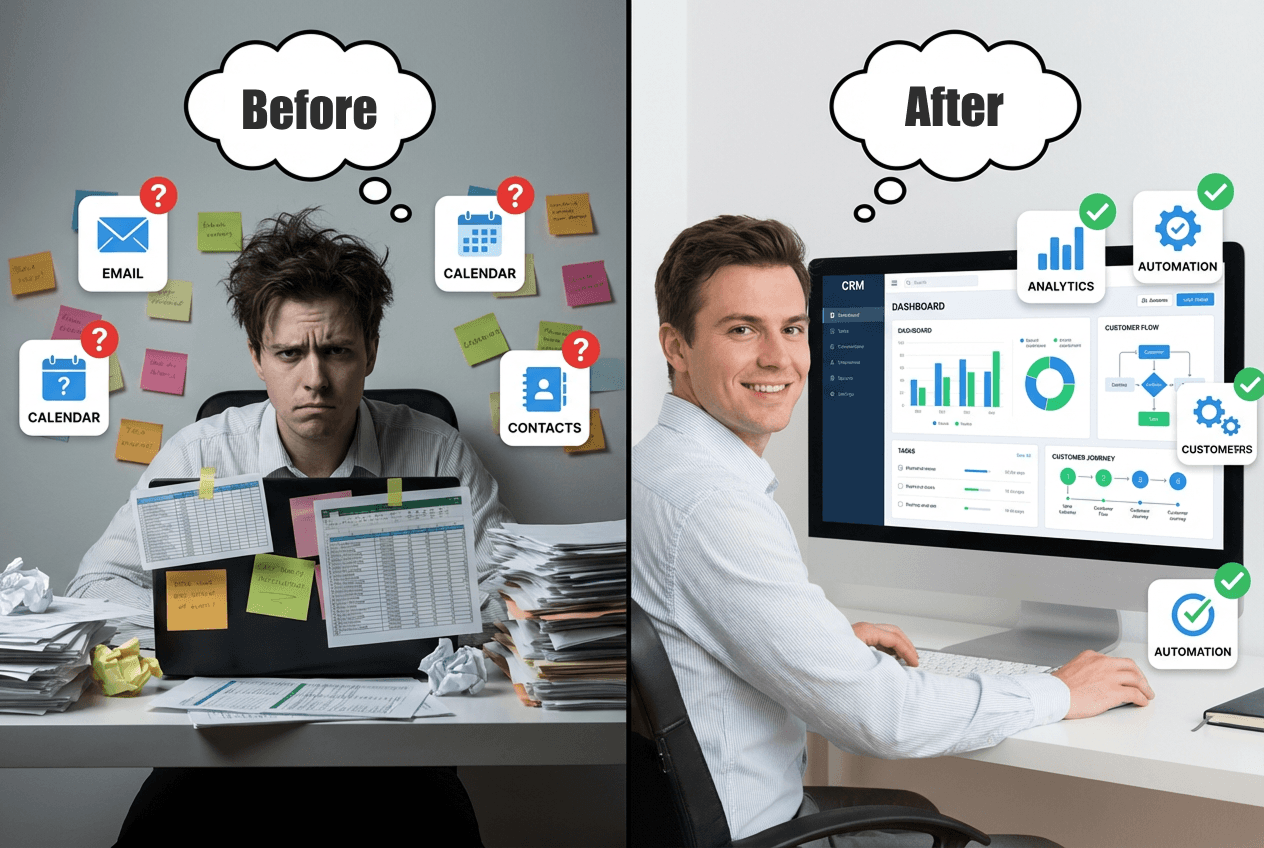

Selecting a CRM platform represents one of the most significant technology decisions a business will make. The right choice can transform operations, whilst the wrong one wastes resources and frustrates teams. Rather than focusing on feature lists or vendor promises, ask these five critical questions to ensure you select a system that genuinely fits your needs.
1. What Specific Problems Are We Solving?
Before evaluating any platform, define the exact challenges you're addressing. "We need a CRM" isn't specific enough.
Are leads disappearing between marketing and sales? Is your sales team spending hours searching for customer information across multiple systems? Can you accurately forecast revenue, or is your pipeline visibility poor?
Document these problems with specifics. "Marketing generates approximately 200 leads monthly, but sales only receives 120" is actionable. "We need better lead management" is not.
Research from Salesforce indicates that 79% of marketing leads never convert to sales, often due to poor lead management and tracking systems. When you can quantify your specific conversion gaps, you can measure whether a CRM actually solves them.
This clarity serves two purposes. First, it helps you evaluate which platforms genuinely address your challenges rather than simply offering impressive features you'll never use. Second, it establishes baseline metrics you can measure against after implementation to calculate actual ROI.
2. How Will This Integrate With Our Existing Systems?
No CRM operates in isolation. Your business likely uses accounting software, email marketing platforms, e-commerce systems, customer support tools, or industry-specific applications. The CRM you choose must connect with these existing systems, or you'll simply create new data silos.
Start by listing every system that stores customer information or handles customer interactions. Then determine which integrations are essential versus nice-to-have.
Some platforms offer native integrations with common tools, consider these a built-in connection that require minimal configuration. Others require third-party integration tools like Zapier or Make. The most complex scenarios might need custom API development.
According to a report by MuleSoft, organisations use an average of 897 applications, yet only 28% of those applications are integrated. This fragmentation costs Australian businesses significant productivity and creates the data silos CRMs are meant to eliminate.
Ask potential vendors specific questions about integration capabilities. Can data flow bidirectionally, or only one way? How frequently does data sync, real-time or on a schedule? What happens when integration errors occur? Who will build and maintain these integrations?
If a platform cannot integrate with your core systems, it's not a viable option regardless of its other strengths.
3. What Does Our Team Actually Need to Do Their Jobs?
Different roles require different CRM capabilities. A sales representative needs pipeline visibility and task management. A marketing manager needs campaign tracking and lead scoring. A support agent needs complete customer history and case management.
Map out the daily workflows for each role that will use the system. What information do they need to access? What tasks do they perform repeatedly? What reports do they need to make decisions?
This exercise often reveals that you don't need the most feature-rich enterprise platform. Research from Nucleus Research found that 43% of CRM users access only basic features. Paying for advanced capabilities your team won't use is wasteful. Worse, overly complex systems discourage adoption.
Consider user experience as well. Will your team find the interface intuitive, or will they need extensive training? Can they access it effectively on mobile devices if they work in the field? How many clicks does it take to complete common tasks?
The best CRM is the one your team will actually use consistently. A simpler system with high adoption delivers better results than a sophisticated platform that sits unused.
4. What's the Total Cost of Ownership?
CRM pricing appears deceptively simple, subscription fees per user per month. The reality involves far more costs that catch businesses unprepared.
Calculate the complete picture:
Software licences: Not just current users, but projected growth. Many platforms offer volume discounts or have pricing tiers based on features needed.
Implementation services: Configuration, customisation, data migration, and integration development. This often equals or exceeds first-year software costs.
Training: Initial training for current staff, ongoing training for new hires, and refresher sessions as the system evolves.
Data migration: Cleaning existing data, mapping it to the new structure, and validating accuracy after migration requires significant time.
Ongoing support: Whether through the vendor's support packages or internal resources dedicated to system administration.
Integration maintenance: As your other systems update, integrations may require adjustments.
Customisation and optimisation: As business needs evolve, you'll want to add workflows, fields, or capabilities.
A Forrester study found that the total cost of ownership for CRM systems is typically 1.5 to 3 times the initial software licence cost over three years. Budget accordingly from the start rather than facing unpleasant surprises mid-project.
Ask vendors for transparent pricing that includes these additional costs, not just the monthly subscription rate. Request references from similar-sized businesses in your industry to understand realistic total investment.
5. What Happens After Implementation?
Many businesses treat CRM selection as a project with a finish line. In reality, implementation is just the beginning.
As your business grows and changes, your CRM needs will evolve. New team members join. New products launch. New marketing channels emerge. Regulatory requirements change. Competitors force you to adapt.
Evaluate how each platform handles ongoing evolution:
Flexibility: Can you easily add custom fields, create new workflows, or adjust processes without developer assistance?
Scalability: If you double your user count or data volume, will the system still perform well? What's the upgrade path to more advanced tiers if needed?
Update cycle: How frequently does the vendor release new features? Will these updates break your customisations?
Support quality: What level of support comes standard, and what costs extra? Can you reach knowledgeable help when issues arise?
Partner ecosystem: If you need external expertise for major changes, can you find qualified consultants who know the platform?
According to Gartner, organisations should plan to spend 15-20% of their initial CRM investment annually on maintenance, upgrades, and optimisation. Factor this into your long-term planning.
The platforms that best support ongoing optimisation often aren't the cheapest options initially, but they deliver better ROI over time because they adapt as your business evolves rather than requiring replacement every few years.
Making the Decision
These five questions provide a framework for evaluation that goes beyond feature comparisons and marketing claims. They force you to think critically about your specific context, current challenges, and future trajectory.
No single platform is universally "best." The right choice depends entirely on your business size, industry, technical environment, team capabilities, and growth plans.
Start with your problems. Understand your integration requirements. Map your workflows. Calculate complete costs. Plan for evolution. Then evaluate platforms against these criteria rather than being swayed by sales presentations or peer recommendations that may not apply to your situation.
The businesses that succeed with CRM implementations are those that ask hard questions before committing, not those that choose the most popular or feature-rich option. Take the time to ask these questions thoroughly. The investment in careful evaluation pays dividends for years.
Disclaimer
Information provided by Colbert Group and it's associated entities (such as Offline Insight) is for general purposes only, offered "as is" without warranties. We are not liable for damages arising from use of our content or services. This does not constitute professional advice; consult qualified professionals for specific situations. Third-party content is not endorsed by us. Use at your own risk.